Newsroom
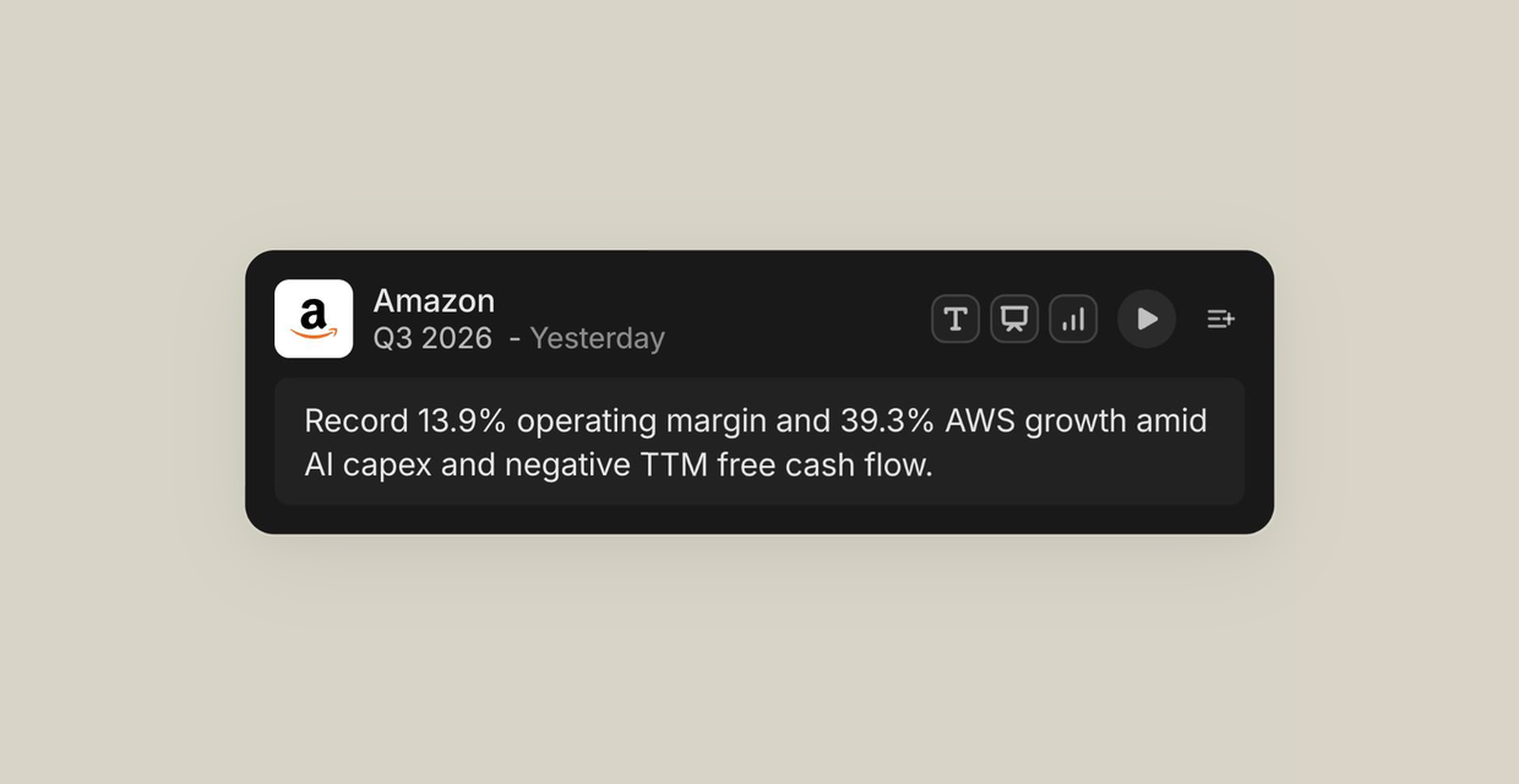
Press releases
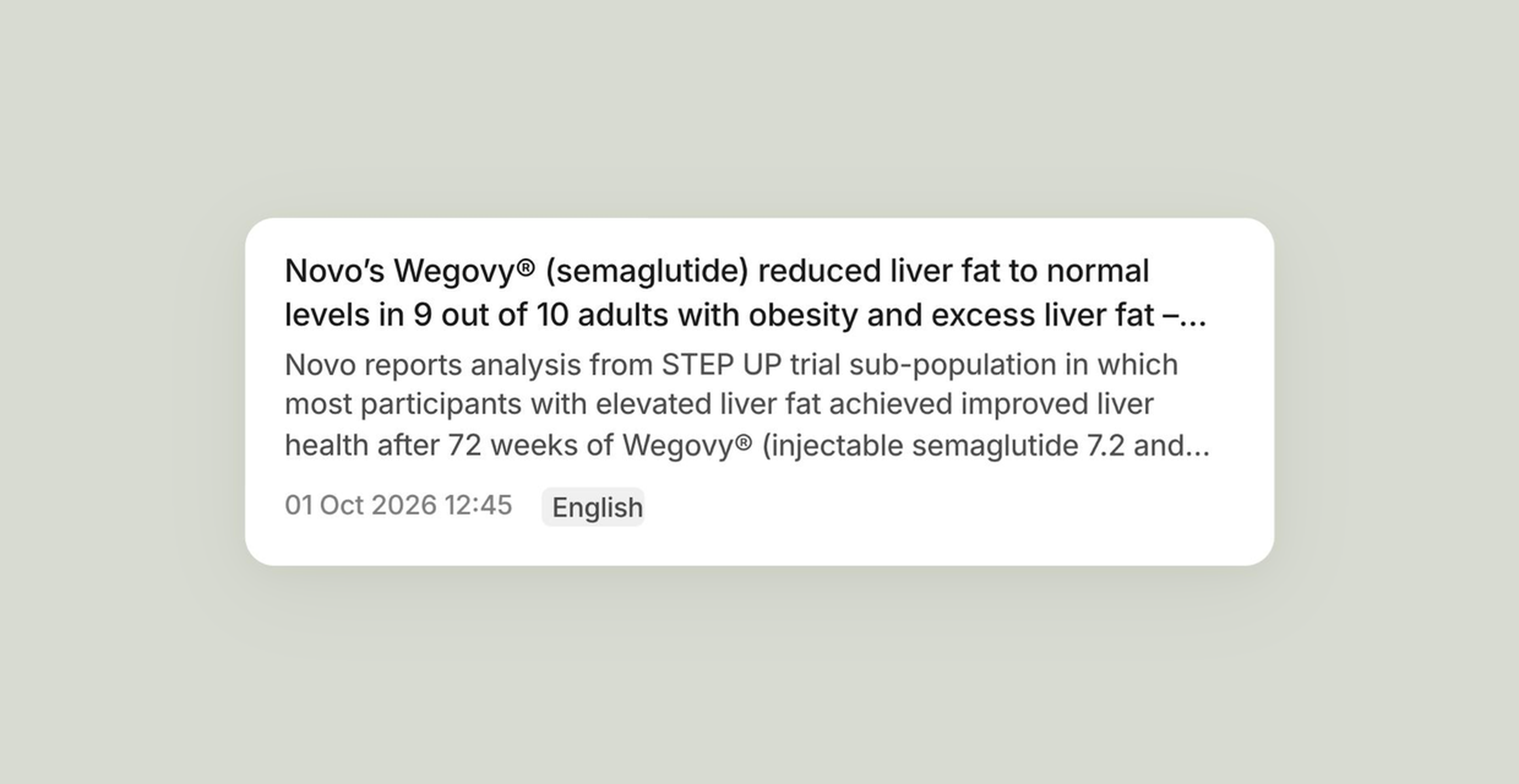
Press releases are now live, expanding coverage beyond earnings-related documents within your existing research workflow.
Press releases are available in the activity feed, and each company page now includes a dedicated press releases tab for a structured overview. Coverage has also been expanded in our mobile app.
Quartr Pro, redesigned
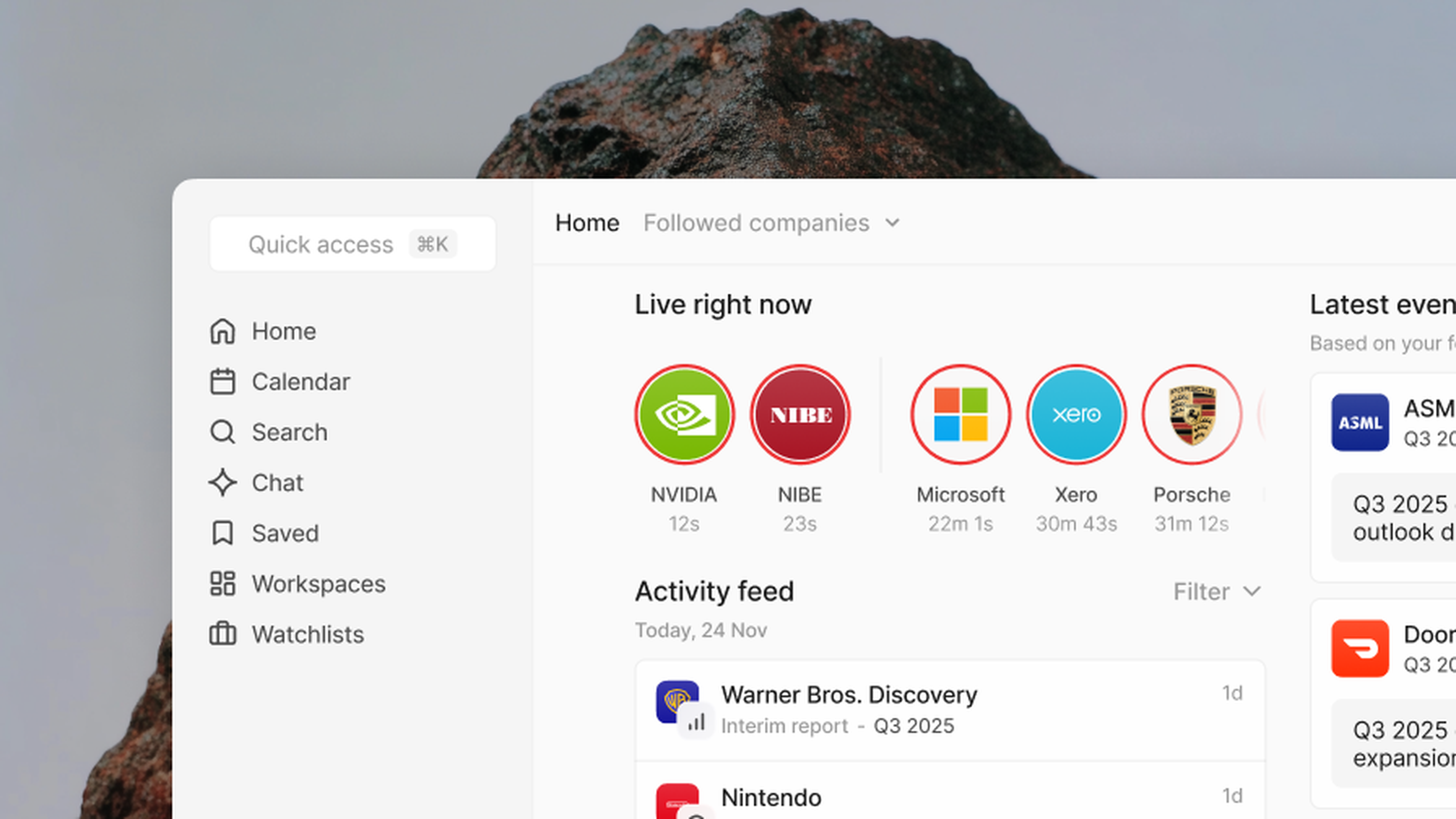
We've redesigned Quartr Pro with one goal in mind: helping you work faster and more efficiently.
The new design increases information density, improves consistency across the product, and keeps the parts you already appreciate from the current version.
Three main changes we'd encourage you to try:
Search
Get an edge-to-edge view of your search results for a clearer overview.
You can now also combine multiple document types in one view – for example, searching transcripts and slides at the same time and seeing all hits in one view.
Quick access
If you know where you want to go, this is the fastest way to get there. You can now also query chat directly from this feature.
Saved
Redesigned to give you a clearer overview of what you've bookmarked, making items easier to organize and quicker to access.
Ready to experience redesigned Quartr Pro? Activate it on the home page or in settings.
Regional filtering
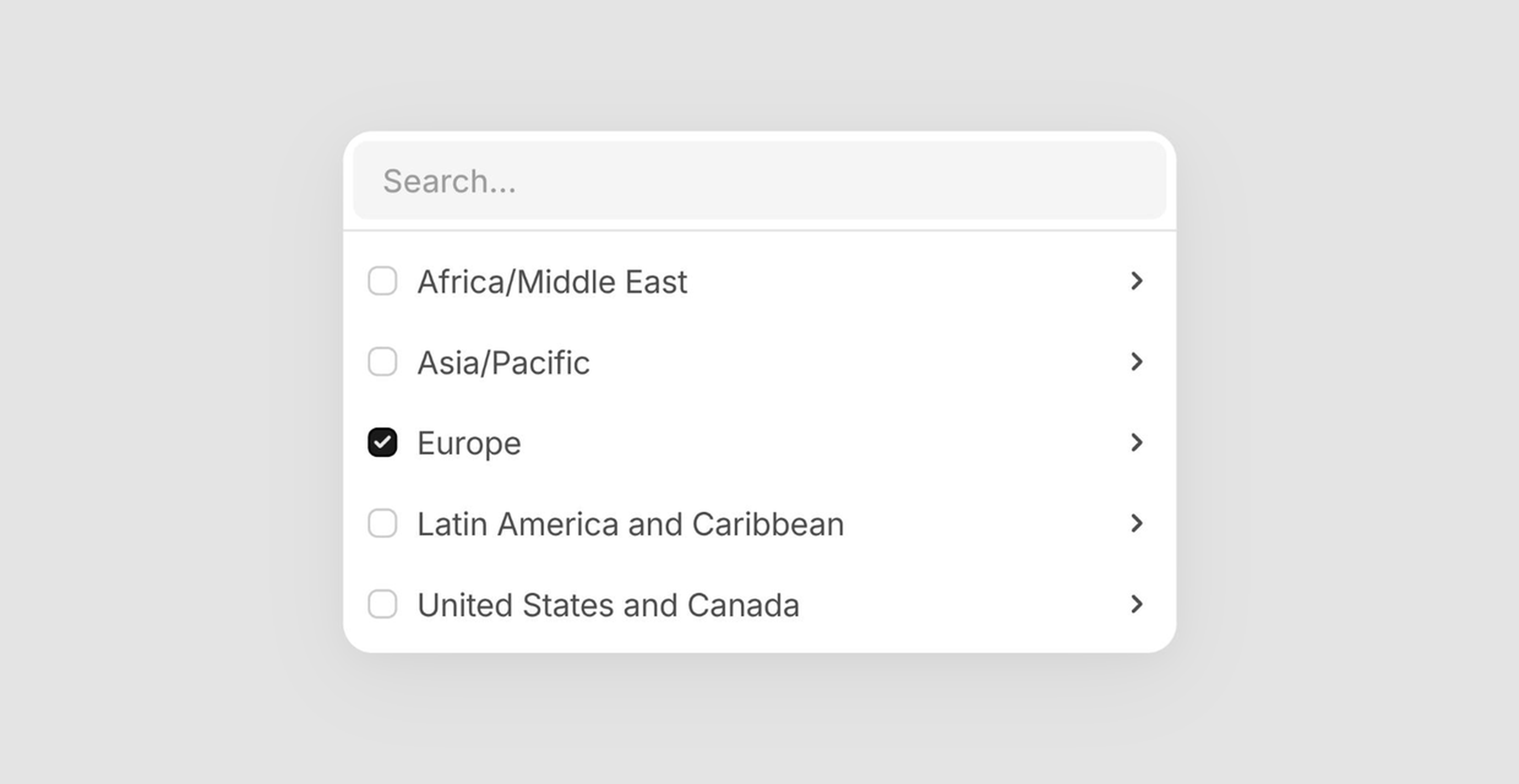
Make company selection by country more efficient with regional filtering.
How it works
- From Search, click Filter, click Countries. Select a region (e.g., Europe) to instantly view all companies within that area
- Combine regional filters with other parameters
- Flexible selections: regions, countries, or a combination
Regional filtering is available in Search and Calendar.
Multiple watchlists
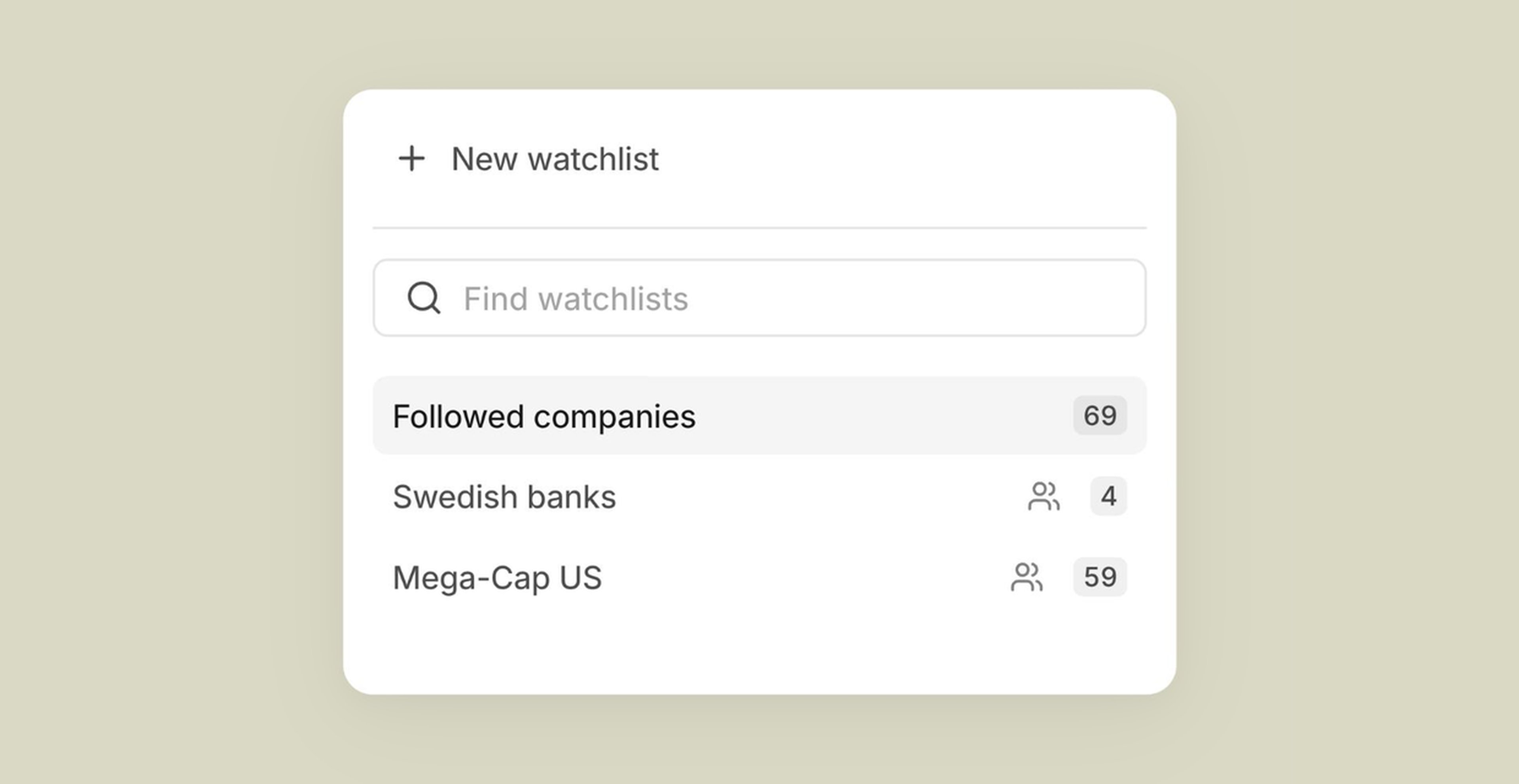
Creating multiple watchlists on Quartr makes it easier and more flexible to follow the companies that interest you. Keep your holdings separate, organize coverage by sectors, and monitor peer groups with dedicated watchlists.
Efficiency and precision benefits across your workflow:
- AI chat: Type @ and choose any watchlist to run queries across that group.
- Search: Narrow your results by searching within specific watchlists.
- Calendar: Apply watchlist filters for a more focused event overview.
Your best prompts, now reusable
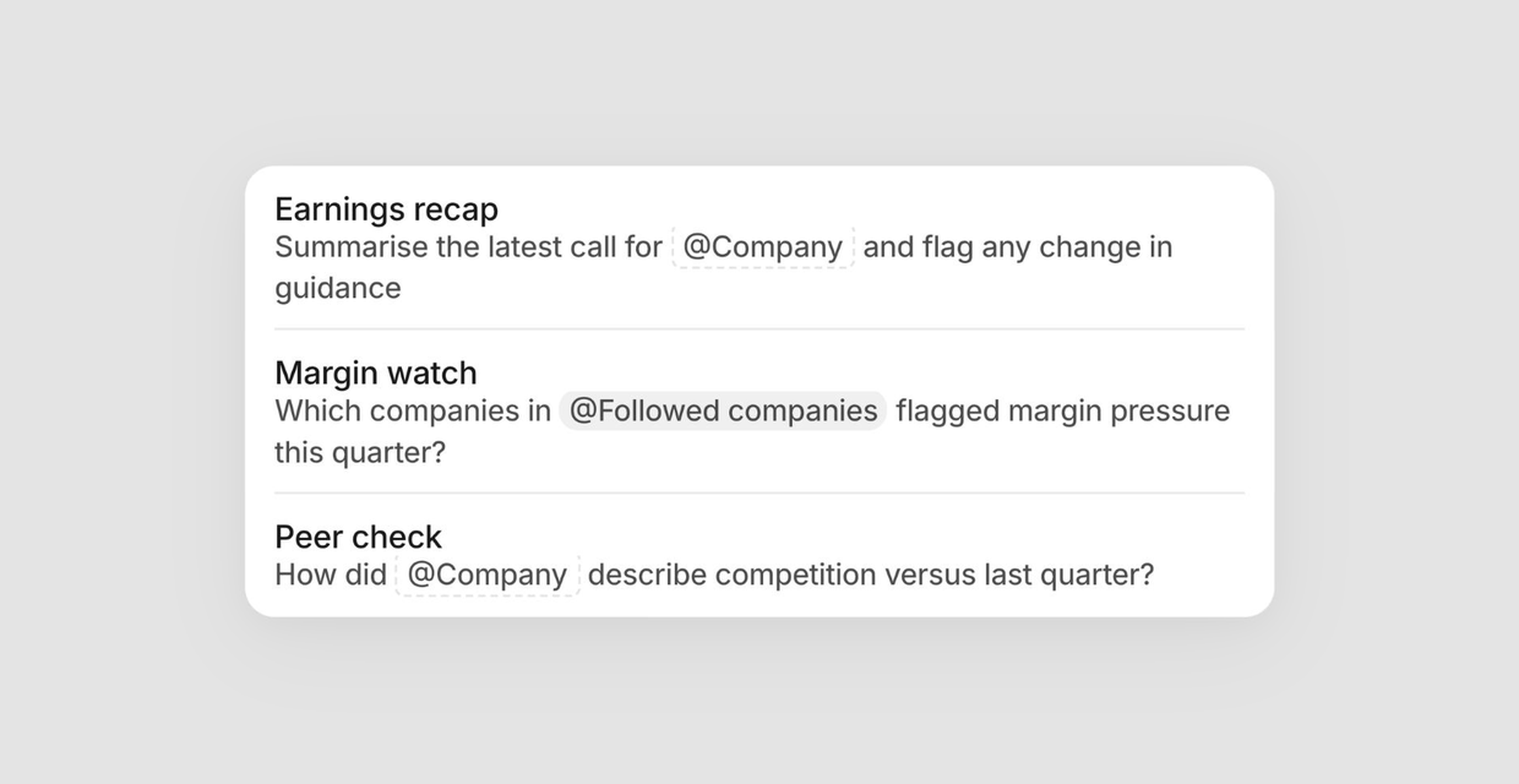
You can now create and save prompts directly inside AI chat and turn them into reusable assets. This gives you more consistent output, less repetitive typing, and a more efficient workflow.
What this means in practice
For buyside: Create checklists for thesis validation, spotting inflection points, and earnings season prep. For sellside: Build templates for post-earnings analysis and instant client-ready summaries. For IR: Streamline peer comparisons and messaging consistency checks.
How it works
- Create and save prompts with descriptive names for easy search.
- Use @placeholder to make them reusable for any company.
- Type "/" in the chat or click the slash icon to open your personal prompt library.
- Fill in variables and apply.