Automations
Research that runs the moment companies publish.Overview
Automations run your research for you. Define a prompt once and it executes automatically, either the moment a company publishes new material or on a recurring schedule you set. Each automation is powered by a prompt you write, so the output is built around the coverage and signals that matter to your process.Point one at a single company or an entire watchlist, choose which documents should trigger it, and results land directly in chat with optional notifications via email, the activity feed, or mobile push. Everything runs against first-party material published by public companies.
Choose run mode
Every automation runs in one of two modes.- Trigger: Runs the moment a company publishes new material. The automation executes as soon as a new document or event is available.
- Schedule: Runs on a recurring cadence you set. Use it for aggregate reads across a period rather than a response to a single event, such as a weekly summary of everything you need to know across a watchlist.
Set the scope
Select the company or watchlist the automation should cover. A company-scoped automation runs when that company publishes. A watchlist-scoped automation runs every time any company in the list publishes.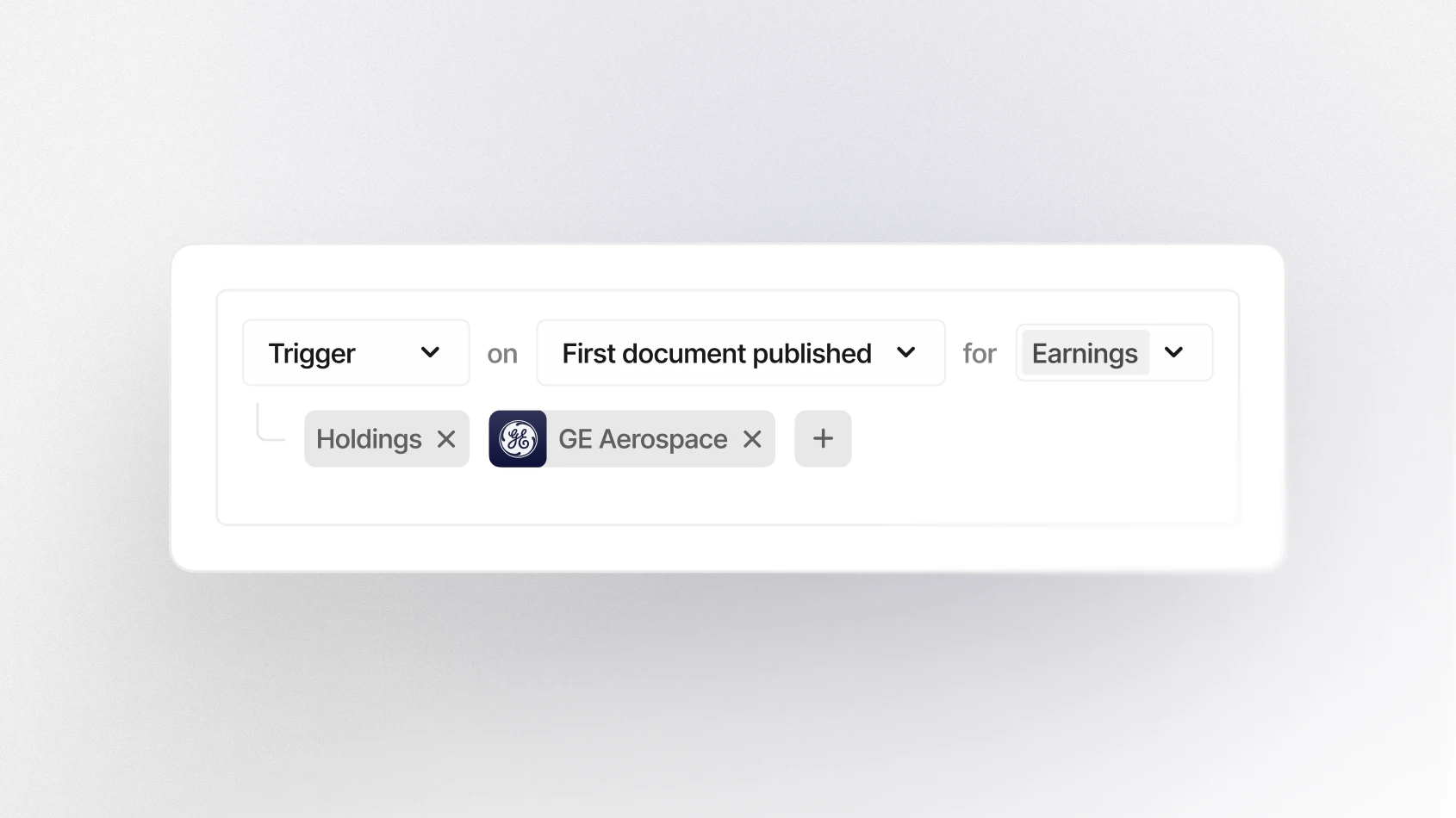
Select the trigger
Two settings control when a triggered automation activates. Event type narrows the automation to a specific kind of event, such as earnings calls, conferences, or capital markets days, or you can leave it open across all event types.You can also choose which document starts the run:
- First document published (any type) activates on whichever document lands first, giving the earliest possible run. For events that include an interim or earnings report, that is almost always the report.
- Transcript, for prompts that depend on full spoken commentary including Q&A.
- Slide presentations, for KPI tracking and disclosure comparison.
- Report waits for the filed report, for financials and formal language.
Set the cadence
Scheduled automations run daily, weekly, or monthly.Since a scheduled run covers a period rather than an event, state the lookback in the prompt: "Since the last run" or "Summarize the last week's commentary".Write the prompt
The prompt defines what gets produced on every run, so it carries the analytical work while the settings above handle timing and scope.A few things that make a measurable difference:
- Lead with a verb that specifies the analysis. Summarize, compare, assess, extract, reconcile, and flag produce more structured output than open questions.
- Give the comparison as an instruction rather than a question. "Flag what changed versus the prior event" puts the delta in the output.
- Name the format when you need one. Tables, bullet points, and charts all work.
- Reference a second watchlist or company in the prompt when you want a read-through rather than a summary.
- Keep one theme or question per automation. Multiple unrelated asks in a single prompt dilute the output.
Get notified
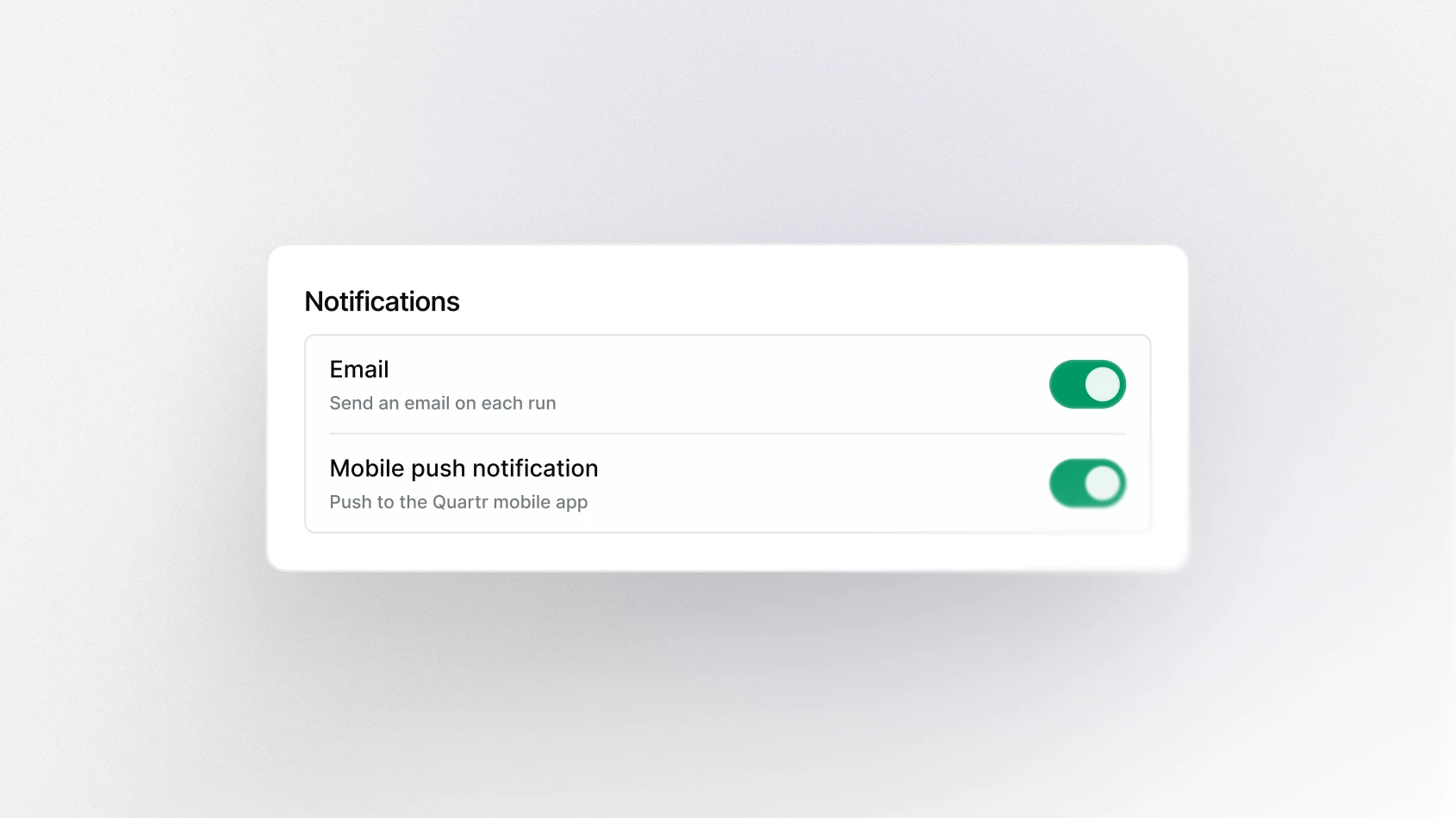
Every automation delivers to the chat. Choose any combination of three additional channels: email, the activity feed, and mobile push.Review results in chat
Output behaves like any other Quartr Pro session. Citations link to the exact page in the source document, sources open side-by-side, and follow-up questions carry the analysis further. An automation is often a starting point for research.Common setups
- Event-triggered research. Deltas from the prior event, the moment a company publishes. “Compare this event to the prior one. Identify the key deltas in language, tone, and KPIs. Did the tone strengthen or weaken, and what specifically signals that?”
- Scheduled research. Read-throughs on the cadence you set. “Review the week's commentary across the watchlist and summarize all read-throughs to the positions in my holdings watchlist.”
- Theme tracking. Tracks themes every time a company presents between earnings. “Summarize all commentary on [theme] and flag what changed versus the prior event.”
- Peer read-through to positions. Implications for your holdings, triggered when a peer publishes. “Assess all meaningful read-throughs to @Company.”
Explore more Quartr AI use cases.